
Bridge Your Trades: How to Connect MT4 to Telegram for Automated Signal Sharing
The Evolution of Trade Notification Systems
For over a decade, MetaTrader 4 (MT4) has remained the cornerstone of retail forex trading. However, as we move through 2026, the way traders interact with their communities has shifted significantly. No longer are traders content with sitting in front of a desktop monitor all day. The rise of mobile-first communication platforms, specifically Telegram, has revolutionized how signals are distributed, monitored, and executed. The demand for a seamless MT4 to Telegram signal copier free download has never been higher, as retail traders seek to bridge the gap between institutional-grade analysis and instant, accessible communication.
Automating your trading notifications isn’t just about showing off your wins to a group; it’s about operational efficiency. Whether you are a solo trader wanting to receive alerts on your phone while away from your desk, or a signal provider managing a community of thousands, the ability to mirror MT4 activity directly into a Telegram channel is a game-changer. In this guide, we will explore the technical architecture of these bridges, where to find reliable free versions, and how to configure them for maximum reliability.
Understanding the MT4 to Telegram Bridge
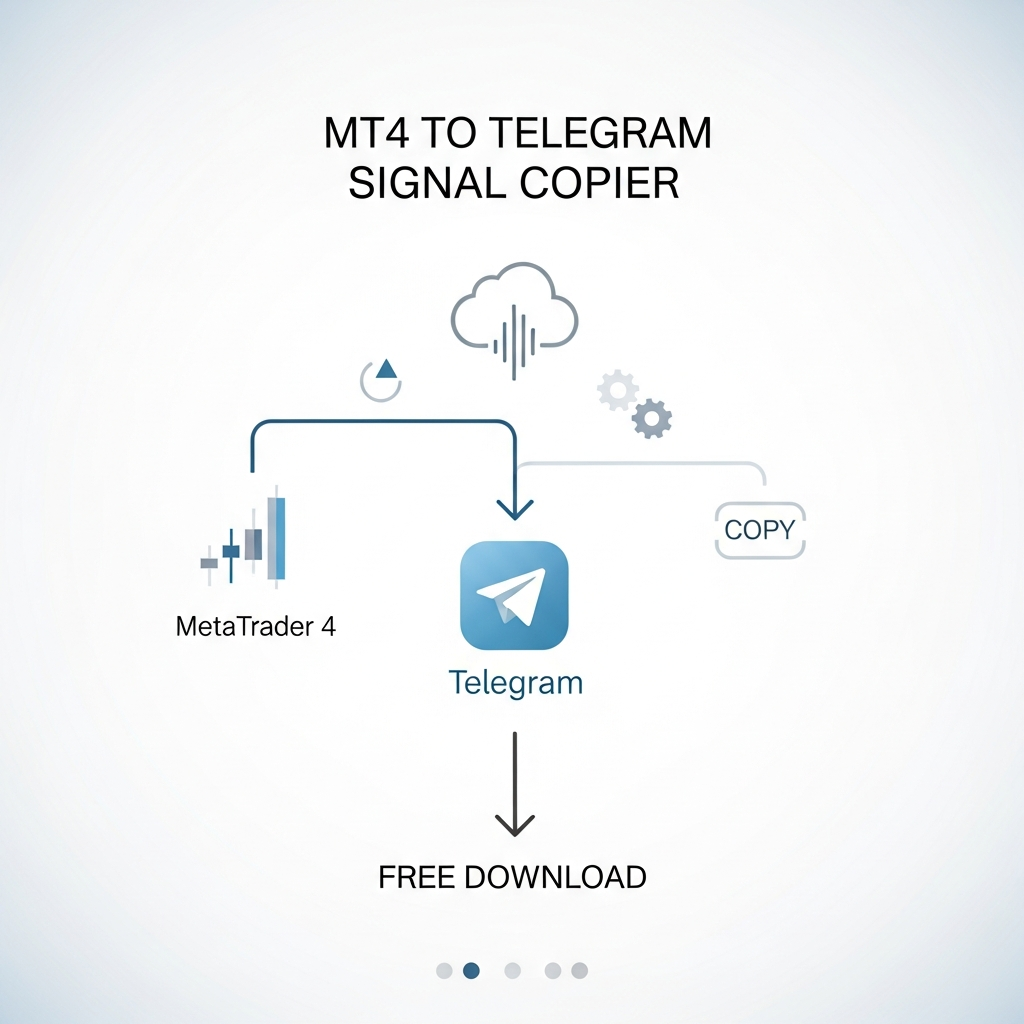
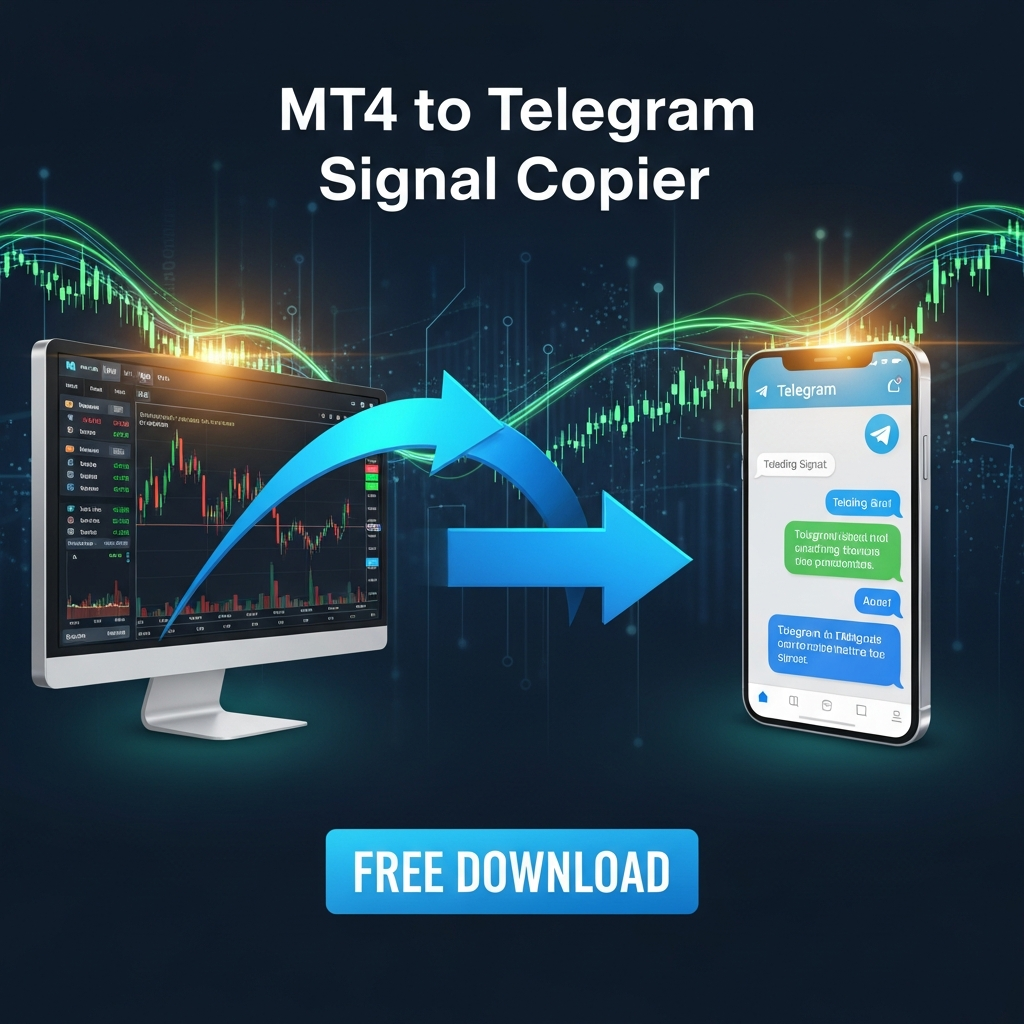
At its core, an MT4 to Telegram signal copier is a piece of software—usually an Expert Advisor (EA) or an Indicator—that resides within the MetaTrader 4 environment. It uses the platform’s ability to communicate with external web servers via the WebRequest() function. When a trade is opened, closed, or modified, the EA captures the data (symbol, price, lot size, stop loss, take profit) and sends a request to the Telegram Bot API.
Telegram then processes this request and delivers a formatted message to a specific Chat ID. This process happens in milliseconds, ensuring that the delay between a trade execution on your MT4 terminal and the notification on your mobile device is almost imperceptible. This is crucial for high-frequency traders or those managing volatile assets like gold (XAUUSD) or indices.
Why Opt for a Free Signal Copier?
While there are numerous paid services that offer high-end dashboards and multi-channel support, the free versions of these tools are often preferred for several reasons:
- Open Source Transparency: Many free tools available on platforms like GitHub allow you to inspect the code. In 2026, cybersecurity is paramount, and knowing exactly what an EA is doing with your account data is a significant advantage.
- Customization: Free scripts are often modular. If you have a basic understanding of MQL4, you can tweak the message formatting, add custom emojis, or include specific technical analysis data that paid, locked versions might not offer.
- Cost Efficiency: For starting signal providers or hobbyists, paying a monthly subscription for a bridge tool can eat into profits. A free, reliable script provides the same utility without the overhead.
Key Features to Look for in a Copier Tool
Not all signal copiers are created equal. When searching for an MT4 to Telegram signal copier free download, ensure the software includes the following essential features:
1. Instant Execution Alerts
The primary function is to send a message the moment a trade is executed. It should support Market Orders, Pending Orders (Limit/Stop), and modifications to existing trades.
2. Screenshot Capabilities
Advanced free versions can take a screenshot of the MT4 chart at the moment of trade execution and send it alongside the text. This provides visual context to your followers or your own records, showing the RSI levels, moving averages, or candle patterns that triggered the trade.
3. Support for Multiple Languages and Formatting
The ability to use Markdown or HTML formatting in Telegram messages is vital. It allows you to bold key prices, use code blocks for easy copying, and organize the message for readability.
4. Reliability and Reconnection Logic
In the event of a brief internet outage or a MetaTrader terminal restart, the copier should be able to re-establish its connection to the Telegram API without manual intervention.
Where to Find Reliable Free Downloads in 2026
Searching for “free download” on the open web can sometimes lead to malware. To stay safe, traders should look in established repositories:
GitHub Repositories
GitHub is the goldmine for free MT4 tools. Search for “MT4 Telegram Bot” or “MQL4 Telegram API.” Look for repositories that have recent updates and positive stars. These are usually maintained by the community and are safe to use if you compile the .mq4 file yourself.
MQL5 Market (Free Section)
The official MetaQuotes MQL5 Market has a “Free” filter. Many developers release a “Lite” version of their Telegram copiers for free to build a user base. These are easy to install directly through the MT4 terminal’s Market tab.
Forex Community Forums
Forums like ForexFactory or MQL5.com forums often have long-running threads where developers share their custom scripts. These are excellent because you can read the user feedback and troubleshooting tips from other traders who have used the tool.
Step-by-Step Guide to Setting Up Your MT4 to Telegram Bridge
Once you have found your preferred script, follow these steps to get it up and running. The process remains standard even in 2026, though security protocols have become stricter.
Step 1: Create Your Telegram Bot
- Open Telegram and search for @BotFather.
- Start a chat and type
/newbot. - Follow the prompts to name your bot and give it a username.
- BotFather will provide you with an API Token. Keep this secret; it is the key to your bot.
Step 2: Get Your Chat ID
Your bot needs to know where to send the messages. You can send them to a private chat, a group, or a channel.
- For a private chat: Message your new bot, then use a tool like
@userinfobotto find your numerical ID. - For a channel: Add your bot as an Administrator to the channel. Use a web browser to visit
https://api.telegram.org/bot[YOUR_TOKEN]/getUpdatesto find the channel ID (it usually starts with -100).
Step 3: Configure MetaTrader 4
- Open MT4 and go to Tools > Options.
- Navigate to the Expert Advisors tab.
- Check the box “Allow WebRequest for listed URL”.
- Add
https://api.telegram.orgto the list. This is a critical step; without it, MT4 will block the connection for security reasons.
Step 4: Install and Run the EA
- Go to File > Open Data Folder.
- Navigate to
MQL4 > Expertsand paste your downloaded.ex4or.mq4file. - Restart MT4 or right-click ‘Experts’ in the Navigator and select ‘Refresh’.
- Drag the EA onto any single chart.
- In the ‘Inputs’ tab, enter your Bot Token and Chat ID.
- Ensure ‘Auto Trading’ is enabled at the top of the terminal.
Common Challenges and Troubleshooting
Even with a perfect setup, you might encounter issues. Here is how to handle the most common roadblocks in 2026:
Error 404 or 401
This usually indicates an incorrect Bot Token. Double-check that there are no extra spaces when you copy-pasted the token from BotFather.
Messages Not Sending
Check the “Experts” tab at the bottom of your MT4 terminal. If you see “WebRequest failed,” it means the URL was not correctly added to the allowed list in Options, or your firewall is blocking the MT4 outbound connection.
Latency Issues
If signals are arriving several seconds late, the issue might be your VPS location. In 2026, most serious traders use a VPS (Virtual Private Server) located near their broker’s server (usually in London or New York). This ensures the trade is executed instantly and the notification is sent immediately.
The Ethics of Signal Sharing in 2026
With the power of automated distribution comes responsibility. Using an MT4 to Telegram signal copier to share trades implies a level of trust between you and your audience. Always ensure you are transparent about your trading strategy, risk management, and the fact that past performance does not guarantee future results. Automation makes sharing easier, but it doesn’t replace the need for sound trading psychology and risk control.
Security Best Practices
Since these bots require access to your trade data, never download compiled .ex4 files from unverified sources or random Telegram groups. Malicious scripts could potentially send your account credentials or trade against your positions. Always favor open-source .mq4 files where you can verify the code doesn’t contain hidden functions.
Advanced Customization: Making the Signal Your Own
If you are using a free script that allows code modification, consider adding custom logic to make your signals stand out. For example, you can program the bot to calculate the Risk-to-Reward ratio automatically and include it in the message. You can also add “trailing stop” updates, so your followers know when to move their stop loss to break even.
In 2026, many traders are also integrating AI-based filtering. You could potentially have a secondary script that analyzes the market sentiment and adds a “Sentiment Score” to your Telegram notification, giving your followers more data to decide whether to follow the trade.
Conclusion
The journey to automating your trading communications starts with finding the right MT4 to Telegram signal copier free download. By leveraging the power of the Telegram API and MetaTrader’s flexibility, you can create a professional, efficient, and reliable notification system that works 24/5. Whether for personal use or community building, this bridge is an essential tool in the modern trader’s arsenal. Follow the steps of proper configuration, prioritize security, and you will find that the transparency and speed of your trading operations will improve significantly as we navigate the markets of 2026 and beyond.