
Best Free Pivot Point Indicators for MT4: A Comprehensive 2026 Guide
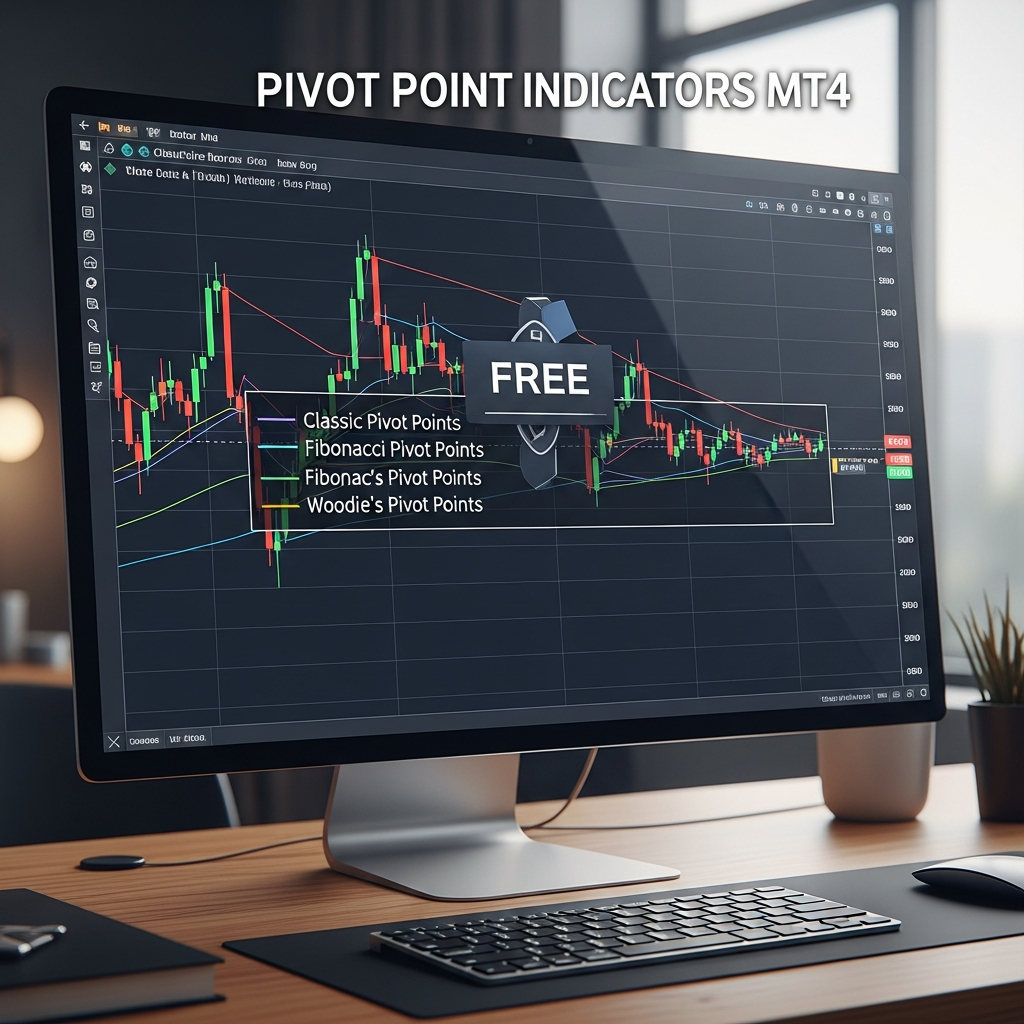
The Enduring Power of Pivot Points in 2026 Trading
In the rapidly evolving landscape of financial markets, where algorithmic high-frequency trading dominates the intraday noise, traders often search for a source of objective truth. Even in 2026, as AI-driven sentiment analysis and quantum-influenced execution become more prevalent, the foundational mathematics of technical analysis remains a cornerstone. Among these tools, pivot points stand out as a timeless methodology for identifying price reversals and directional shifts.
Pivot point indicators for MetaTrader 4 (MT4) are not just another set of squiggly lines on a chart; they are calculated price levels derived from previous market sessions. Because they are based on pure price action—specifically high, low, and close prices—they are considered leading indicators. Unlike a moving average that lags behind the current candle, a pivot point tells you exactly where support and resistance are expected to reside before the trading day even begins.
Why MT4 Still Rules the Charting World
Despite the emergence of newer platforms, MT4 remains the gold standard for retail traders in 2026 due to its incredibly low latency, massive library of MQL4 scripts, and the fact that it is lightweight enough to run on almost any device. However, MT4 does not come with a high-quality, pre-installed pivot point indicator. This is where the community steps in, offering a variety of free pivot point indicators that can transform a standard chart into a professional-grade trading dashboard.
The Mathematical Core: Understanding Pivot Varieties
Before downloading a free pivot point indicator for MT4, it is vital to understand what the indicator is actually doing. There isn’t just one ‘pivot point’; there are several variations, each suited to different market conditions.
1. Standard (Floor) Pivot Points
This is the most common version. It uses a simple average of the previous period’s High, Low, and Close. From this central point (P), three levels of resistance (R1, R2, R3) and three levels of support (S1, S2, S3) are calculated. These levels act as psychological barriers where traders expect price to stall or reverse.
2. Camarilla Pivot Points
In 2026, Camarilla pivots have gained massive popularity among scalpers. Developed by Nick Scott in the 1980s, these levels are much closer to the current price than standard pivots. They focus on the H3 and L3 levels for reversals and H4/L4 for breakout momentum. In a low-volatility environment, Camarilla pivots are often the most accurate tools for capturing small intraday swings.
3. Woodie’s Pivot Points
Woodie’s pivots give more weight to the closing price of the previous session. Many professional traders believe the close is the most important data point because it represents the final consensus of value for that period. By weighting the close, Woodie’s pivots often provide a ‘sharper’ reaction level during the London and New York session overlaps.
4. Fibonacci Pivot Points
These combine the logic of floor pivots with Fibonacci retracement levels (0.382, 0.618, etc.). If you are a trader who relies heavily on the Golden Ratio, Fibonacci pivots offer a harmonious way to view support and resistance that aligns with broader market trends.
Top 5 Free Pivot Point Indicators for MT4
Finding a reliable, bug-free indicator can be difficult. Here are the top free options currently available for MT4 users in 2026 that offer clean visuals and customizability.
1. The ‘Auto Pivot Plotter’ (All-in-One)
This is the most versatile free indicator available. It allows users to toggle between Daily, Weekly, and Monthly pivots with a single click. In 2026, most versions of this tool include ‘Mid-Pivots,’ which are the levels exactly halfway between the main S/R lines. These are crucial for fine-tuning entries in a trending market.
2. WYX Pivot Point Labeler
A common complaint with free indicators is that they clutter the screen. The WYX labeler is designed for minimalism. It displays the levels only on the right side of the chart and uses thin, unobtrusive lines. It’s perfect for traders who use price action patterns like pin bars or engulfing candles and need a clean chart to see the price movement clearly.
3. Camarilla DT (Day Trader) Pro
Specifically built for the Camarilla equation, this indicator highlights the ‘no-trade zone’ between L3 and H3. In 2026, where ‘stop-hunting’ algorithms are common, knowing where the volatility expansion is likely to occur (the H4/L4 break) is a massive competitive advantage.
4. Multi-Timeframe (MTF) Pivot Indicator
Success in trading often comes from ‘confluence’—when multiple signals align. An MTF Pivot indicator allows you to see Daily pivots and Weekly pivots on the same 15-minute chart. When a Daily S1 level aligns perfectly with a Weekly Pivot level, that zone becomes a ‘high-probability’ area for a long entry.
5. The ‘Session-Specific’ Pivot Tool
Since the world of 2026 is hyper-connected, the New York session doesn’t always start where the Tokyo session left off. This indicator allows you to calculate pivots based on specific session times (e.g., only the London open). This is essential for traders who specialize in session breakouts.
How to Install and Setup Your MT4 Pivot Indicator
If you have downloaded a .ex4 or .mq4 file, follow these steps to get it running:
- Open your MetaTrader 4 platform.
- Go to File > Open Data Folder.
- Navigate to MQL4 > Indicators.
- Paste your downloaded indicator file into this folder.
- Restart MT4 or right-click ‘Indicators’ in the Navigator window and select ‘Refresh’.
- Drag the indicator onto your desired chart.
- In the ‘Inputs’ tab, ensure you select the correct ‘Calculation Mode’ (Standard, Camarilla, etc.) and check that the time zone matches your broker’s server time.
Advanced Strategies for 2026 Market Conditions
Simply putting an indicator on a chart won’t make you profitable. You need a systematic approach. Here are two high-probability strategies using free pivot point indicators.
The Pivot Point Bounce (Mean Reversion)
This strategy works best in ranging markets. When price approaches S1 or R1, don’t just blindly enter. Wait for a confirmation candle. For example, if price hits S1 and forms a bullish hammer or a morning star pattern, the probability of a bounce back to the Central Pivot (P) is high. In 2026, traders often pair this with an RSI (Relative Strength Index) reading. If price is at S1 and RSI is below 30 (oversold), the signal is significantly stronger.
The ‘Central Pivot Range’ (CPR) Breakout
The CPR consists of three lines: the Pivot, the Top Central, and the Bottom Central. When these three lines are very narrow, it indicates that the previous day had very low volatility. In 2026, a narrow CPR is a leading signal that a massive breakout is coming. Traders wait for a 5-minute candle to close above or below the range and then trade in the direction of the momentum, targeting R2 or S2.
The Psychological Edge of Pivot Points
One reason pivot points continue to work in 2026 is their self-fulfilling nature. Because so many institutional traders, bank desks, and retail bots use these exact same formulas, the market naturally reacts at these levels. When the price approaches a Weekly R1, thousands of sell orders are often sitting there. By using a free pivot point indicator, you are essentially looking at the same map that the ‘smart money’ is using to navigate the market.
Managing Risk with Pivot Levels
One of the best uses of these indicators is for objective stop-loss placement. Instead of picking a random number of pips, place your stop-loss just behind the next pivot level. If you are long at the Pivot (P), your stop should be just below S1. If S1 is broken, the ‘bullish’ thesis for that trade is invalidated, and it’s time to exit. This method removes the emotional guesswork that leads many traders to blow their accounts.
Conclusion: Choosing the Right Tool for Your Style
The quest for the ‘best’ free pivot point indicator for MT4 ultimately depends on your personal trading style. If you are a long-term swing trader, look for indicators that emphasize Weekly and Monthly levels. If you are an intraday scalper, the Camarilla or Standard Daily pivots will be your best friends.
As we move through 2026, the key to success isn’t just having the indicator—it’s understanding the math behind it and combining it with sound risk management. Pivot points provide the structure; you provide the discipline. Download a few of the options mentioned above, test them on a demo account, and see which visual style fits your psychology. In the end, the best indicator is the one that gives you the confidence to execute your plan without hesitation.
Summary Checklist for MT4 Pivot Users:
- Ensure the indicator automatically adjusts for GMT offsets.
- Check for confluence between different timeframes (Daily/Weekly overlap).
- Use pivots as ‘areas of interest’ rather than ‘magic lines.’
- Always wait for price action confirmation at the level.
- Keep your charts clean—don’t let the lines distract you from the candles themselves.