
How to Use a Free News Event Indicator for MT4: The 2026 Trading Guide
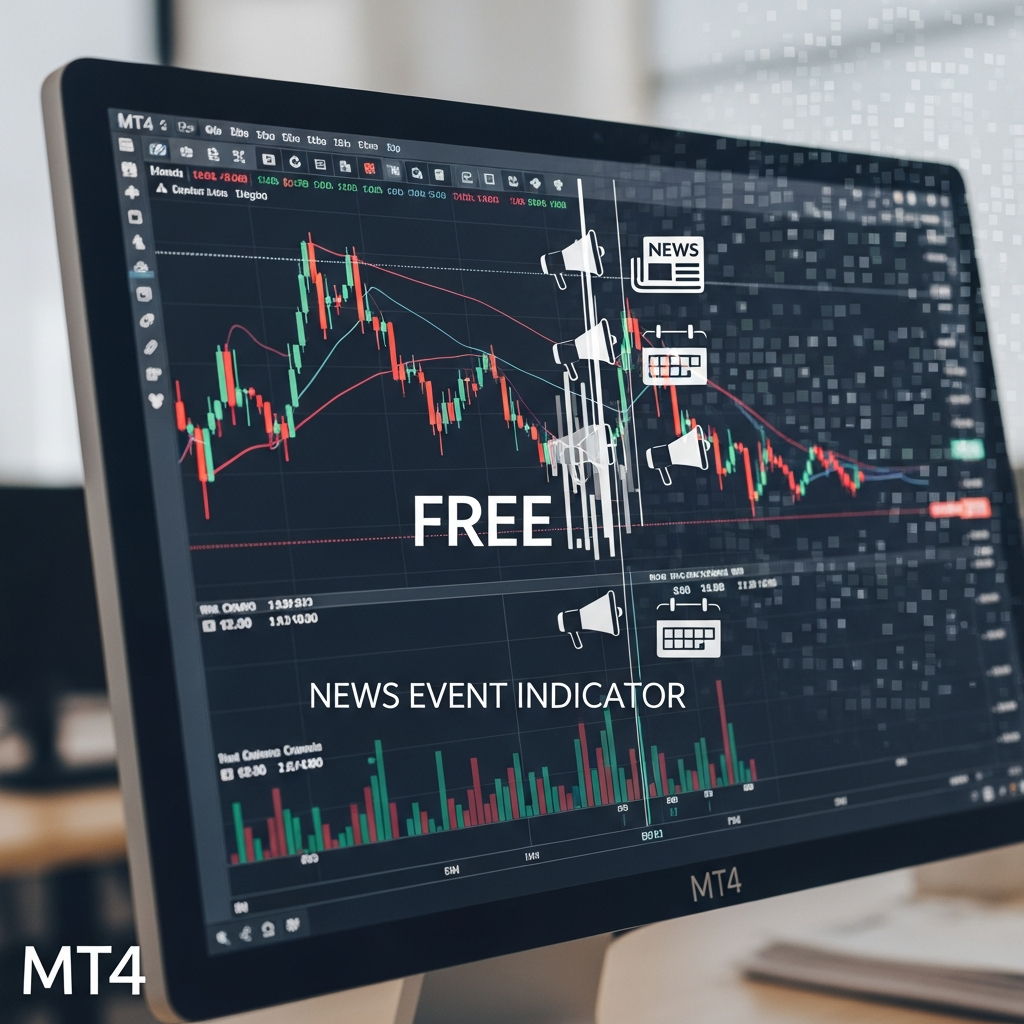
Mastering the Markets with a News Event Indicator for MT4
Trading the foreign exchange market in 2026 has become increasingly complex. While algorithmic trading and AI-driven sentiment analysis dominate the headlines, the core driver of price action remains unchanged: fundamental data releases. Whether it is an unexpected interest rate hike from the Fed or a sudden shift in employment data, these events create the volatility that traders both fear and crave.
For many retail traders using MetaTrader 4 (MT4), the biggest hurdle is staying aware of these scheduled events without constantly flipping back and forth between their charts and an external economic calendar. This is where a free news event indicator for MT4 becomes an essential component of a professional trading station. It bridges the gap between technical charts and fundamental reality, placing critical data exactly where you need it most—on your price action.
Why Every MT4 Trader Needs a News Indicator
Many traders operate under the philosophy of “it is all in the price.” While technical analysis accounts for a large portion of market movement, fundamental events act as the catalysts that break technical levels. Ignoring these events is a recipe for disaster. Here is why a news indicator is non-negotiable in the current market environment:
- Slippage Prevention: During high-impact releases, liquidity thins out and spreads widen. A news indicator warns you minutes before the event, allowing you to tighten stops or exit positions.
- Volatility Management: Some strategies thrive on volatility, while others are destroyed by it. Knowing that a CPI or NFP report is coming helps you decide whether to sit on the sidelines or gear up for a scalp.
- Psychological Readiness: There is nothing worse than seeing a 50-pip candle go against you and not knowing why. Having a visual marker on your chart provides context and reduces panic.
Features to Look for in a Free News Indicator
Not all free indicators are created equal. In 2026, the standard for what a “free” tool should do has risen. When searching for the right news event indicator for MT4, look for these specific features to ensure you are getting the highest quality data.
1. Multi-Source Data Fetching
The best indicators pull data from reputable sources like Forex Factory, Investing.com, or DailyFX. Because MT4 does not have a native news scraping engine, these indicators use a protocol called “WebRequest” to pull external data. Ensure the indicator you choose supports reliable URLs that are frequently updated.
2. High-Impact Filtering
The market is flooded with low-impact news daily—minor retail sales figures or consumer confidence surveys that barely move the needle. A cluttered chart is a useless chart. Your indicator should allow you to filter for “High Impact” (usually marked in red) and “Medium Impact” (orange) events, hiding the noise of low-impact data.
3. Visual Countdown and Vertical Lines
A good indicator doesn’t just list the news in a corner; it draws vertical lines on your chart at the exact time the event occurs. This allows you to see the news in relation to your support and resistance levels. Additionally, a “Time to Next News” countdown timer is incredibly helpful for short-term day traders.
4. Historical News Plotting
Understanding how the market reacted to the previous month’s data is vital for backtesting. Advanced free indicators plot historical news events, allowing you to scroll back and see if a specific pair tends to spike or fade following a specific type of release.
Top Recommended Free News Indicators for MT4
While there are dozens of options in the MQL5 Market and various forums, a few have stood the test of time due to their stability and low CPU usage.
The FFCal-Based Indicators
Historically, the FFCal (Forex Factory Calendar) indicator has been the gold standard for free tools. Various developers have modified it over the years to keep it compatible with modern MT4 builds. It remains popular because it is lightweight and the data source is exceptionally accurate.
IceFX NewsInfo
This is a more robust, graphical indicator that provides a sleek dashboard on the chart. It categorizes news by currency and impact level. While it has a premium version, the free version often provides more than enough functionality for the average retail trader.
Step-by-Step Installation and Technical Setup
Setting up a news indicator on MT4 is slightly different from installing a standard RSI or Moving Average because it requires internet access to fetch the calendar. Follow these steps to ensure it works correctly:
Step 1: Download and Move Files
Once you have downloaded the .ex4 or .mq4 file, open your MT4 platform. Go to File > Open Data Folder. Navigate to MQL4 > Indicators and paste the file there. Restart MT4 or right-click ‘Indicators’ in the Navigator panel and hit ‘Refresh’.
Step 2: Enable WebRequest
This is the step most traders miss. For the indicator to “read” the news from the internet, you must give MT4 permission. Go to Tools > Options > Expert Advisors. Check the box that says “Allow WebRequest for listed URL:” and add the data source URL provided by the indicator developer (e.g., https://www.forexfactory.com).
Step 3: Attach and Configure
Drag the indicator onto your chart. In the “Inputs” tab, you can usually toggle settings like “Show Medium Impact,” “Line Color,” and “Alerts.” If you are a scalper, you might want sound alerts enabled for 5 minutes before high-impact news.
Trading Strategies Using the News Event Indicator
Simply having the indicator isn’t enough; you need a plan for how to react when the lines on your chart approach the current price.
The “Straddle” Strategy
Often used during high-volatility events like the NFP (Non-Farm Payrolls), the straddle involves placing a Buy Stop and a Sell Stop order a few pips above and below the current price right before the news hits. The indicator’s countdown timer is essential here to ensure you place the orders at the precise moment liquidity is about to surge.
The “Safety First” Approach
For conservative traders, the news indicator serves as a “No Trade Zone” marker. A common rule is to stop trading 30 minutes before a high-impact event and wait 30 minutes after for the market to settle. This avoids the “whipsaw” effect where price spikes in both directions, hitting both your stop loss and your take profit before choosing a direction.
Fading the Initial Move
Institutional traders often look for the “knee-jerk” reaction to news. If a piece of news is positive but the price spikes into a major resistance zone and immediately starts to stall, traders look for a “fade” entry. The indicator helps by confirming exactly which news event caused the move, allowing the trader to judge if the reaction was an overextension.
Common Troubleshooting Issues
Even in 2026, MT4 can be finicky. If your news indicator is showing “No Data” or is blank, check the following:
- URL Changes: Sometimes websites change their data structure. Check the developer’s page for an updated URL to put in your WebRequest settings.
- DLL Imports: Some indicators require DLLs to function. Ensure “Allow DLL imports” is checked in the indicator’s common tab.
- Timezone Offset: News calendars are usually in GMT or EST. If the vertical lines don’t match your broker’s time, you may need to manually adjust the “GMT Offset” in the indicator settings.
The Importance of Context in 2026
As we navigate the trading landscape of 2026, it’s clear that data is more accessible than ever, but wisdom is still in short supply. A free news event indicator for MT4 is a tool, not a crystal ball. It tells you when something is happening, but your strategy tells you how to trade it.
By integrating a news indicator into your workflow, you transition from being a reactive trader—wondering why the market is moving—to a proactive trader who is prepared for every shift in the economic winds. In a game where the edge is measured in pips, having the fundamental schedule burned into your technical chart is a massive advantage that no serious trader should overlook.
Conclusion
The quest for the perfect trading setup often leads us to expensive software and paid subscriptions. However, a high-quality, free news event indicator for MT4 remains one of the most powerful additions you can make to your platform without spending a dime. It promotes discipline, enhances risk management, and ensures you are never caught off guard by the pulse of the global economy.
Download a reputable indicator today, follow the WebRequest setup instructions carefully, and start trading with the full picture of the market. Whether you are avoiding the news or trading it, visibility is the first step toward profitability.