
Optimizing Multi-Currency Expert Advisor Settings: A Guide for 2026 Quantitative Trading
The Shift Toward Portfolio-Based Algorithmic Trading
By 2026, the retail and institutional trading landscapes have converged significantly. The days of running a simple grid bot on a single currency pair like EUR/USD and hoping for consistent monthly returns are largely behind us. Today, market efficiency is driven by high-frequency liquidity providers and AI-integrated institutional desks, making individual pair volatility more erratic. To survive, traders have shifted toward multi-currency Expert Advisors (EAs)—complex algorithms designed to manage entire baskets of currency pairs simultaneously.
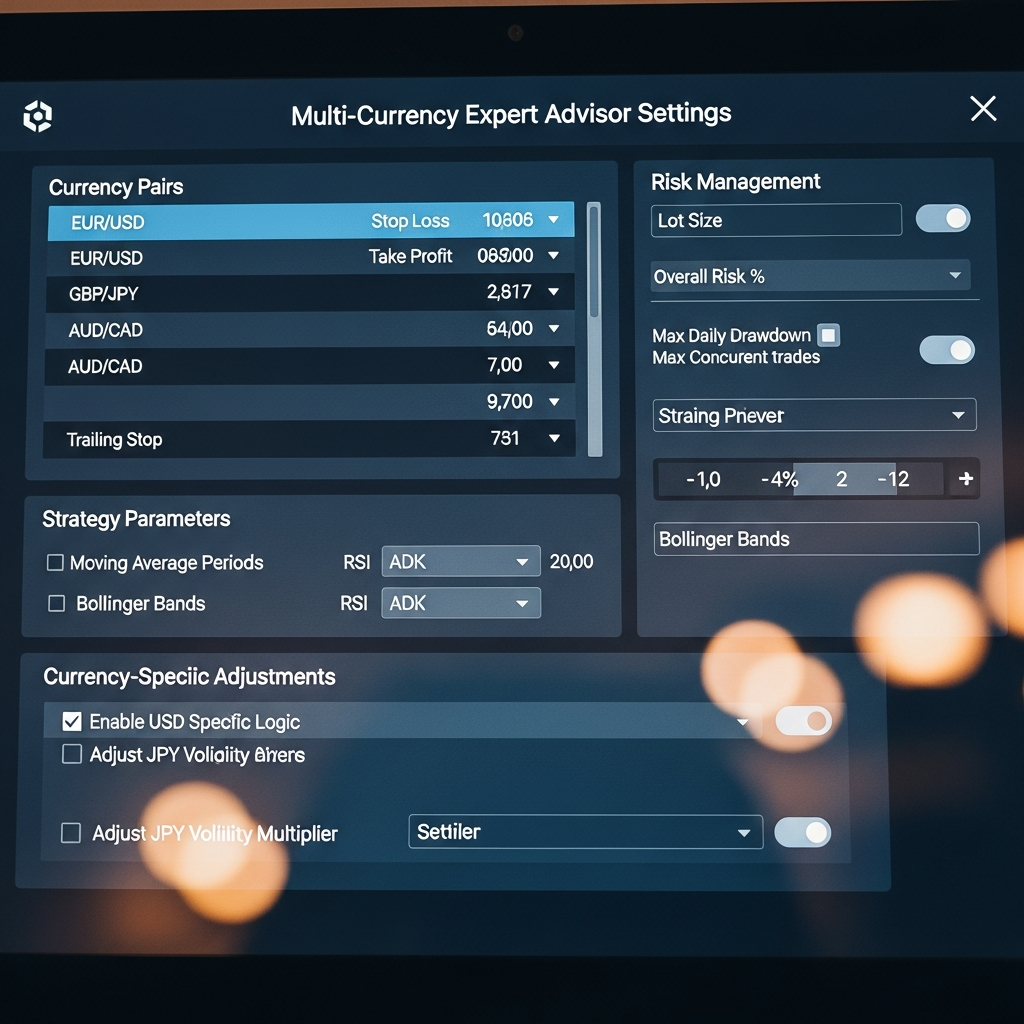
Configuring a multi-currency EA is fundamentally different from setting up a single-pair bot. You are no longer managing a trade; you are managing a portfolio. This requires a deep understanding of how specific settings interact across different instruments, how margin is allocated globally, and how to mitigate the risk of simultaneous drawdowns. In this guide, we will break down the essential settings and logic required to optimize a multi-currency EA for the current market environment.
1. Core Architectural Settings: Symbol Lists and Execution
The foundation of any multi-currency EA lies in how it identifies which symbols to trade. Unlike standard EAs that attach to a single chart and read only that data, a multi-currency EA often runs on one “control chart” and scans the market for opportunities across multiple pairs.
Symbol Management and Prefixes/Suffixes
One of the most common points of failure in multi-currency setups is the mismatch between the EA’s internal symbol list and the broker’s naming convention. In 2026, many ECN brokers use suffixes like .pro, .raw, or .x to distinguish account types.
- Manual Symbol Input: Ensure your settings allow for a comma-separated list (e.g., EURUSD.pro, GBPUSD.pro, USDJPY.pro).
- Market Watch Sync: Advanced EAs often have a setting to “Trade all symbols in Market Watch.” While convenient, this can be dangerous if you accidentally include low-liquidity exotic pairs with massive spreads.
Magic Number Logic
In a multi-currency environment, the Magic Number—a unique ID assigned to trades—becomes critical. You have two choices: use the same Magic Number for the entire portfolio to track aggregate performance, or use a unique Magic Number per pair. For 2026 standards, the latter is preferred for granular data analysis, allowing you to identify which specific pair is dragging down your Sharpe ratio.
2. Advanced Risk Management: The Global vs. Local Perspective
In single-pair trading, risk is usually defined by a stop loss or a maximum drawdown per trade. In multi-currency trading, the biggest threat is correlation risk. If you are long on EURUSD, GBPUSD, and AUDUSD, you aren’t diversified; you are simply short on the US Dollar three times over.
Global Equity Protection
This is perhaps the most important setting in your EA. A Global Equity Protector acts as a circuit breaker for the entire account. Settings should include:
- Total Account Drawdown Limit (%): If the floating loss across all pairs exceeds 10% (for example), the EA should close all positions and disable itself.
- Daily Profit Target/Loss Limit: Hard stops that reset every 24 hours to prevent over-trading during high-volatility news events.
Dynamic Lot Sizing (Portfolio-Based)
Instead of a fixed lot size per pair, 2026 quantitative strategies utilize Volatility Adjusted Lot Sizing. The EA calculates the ATR (Average True Range) for each pair and adjusts the position size so that a 100-pip move in a volatile pair like GBPJPY has the same monetary impact as a move in a calmer pair like EURCHF. This balances the risk contribution of every instrument in the basket.
3. Correlation Filters and Basket Logic
To avoid the “triple-whammy” effect where all your trades go south because of a single central bank announcement, you must configure correlation settings.
Max Currency Exposure
A sophisticated EA will have settings to limit exposure to a single base or quote currency. For instance, you can set a rule: “Do not allow more than 3 open positions involving the USD.” If the EA already has trades open on EURUSD, USDJPY, and USDCAD, it will ignore a signal on AUDUSD to prevent over-concentration.
Hedge and Offset Settings
Some multi-currency EAs are designed to use highly correlated pairs to hedge one another. If EURUSD is trending up, the EA might look for a correlated laggard to go short on, or use a third pair (like EURGBP) to create a synthetic hedge. Configuring the “Correlation Threshold” (typically set between 0.7 and 0.9) determines how strictly the EA follows these relationships.
4. Performance Tuning: Execution and Latency
Managing twenty pairs at once places a significant load on the trading terminal and the CPU. Optimization here is key to preventing “Trade Context Busy” errors or slippage during fast markets.
Timer vs. Tick-Based Execution
Standard EAs run the OnTick() function. In a multi-currency setup, if 10 pairs tick at the exact same millisecond, the terminal can lag. High-end 2026 EAs often use OnTimer() settings (e.g., every 500ms) to scan the market, which provides more stable performance on VPS (Virtual Private Server) environments.
Slippage and Spread Filters
Because you are trading multiple pairs, you may encounter different liquidity conditions across the board. Your settings should include a Max Spread Filter per pair. During the New York/London overlap, spreads are tight, but as you approach the 5 PM EST “roll-over,” spreads on pairs like EURGBP can balloon. Your EA should be set to pause trading if the spread exceeds a 30-day average by more than 50%.
5. Backtesting Multi-Currency EAs in MT5
Backtesting a multi-currency EA is significantly more complex than a single-pair test. As of 2026, MetaTrader 5 (MT5) remains the industry standard for this due to its ability to handle multi-symbol real tick data.
The Importance of Real Tick Data
When optimizing settings, never use “Every tick based on real ticks” for just one pair. You must ensure your history center is populated with synchronized data for all symbols in the basket. If the data is misaligned by even a few seconds, your correlation filters will produce “holy grail” results in backtests that fail miserably in live trading.
Optimization Parameters
Avoid the temptation to optimize every setting for every pair individually. This leads to curve fitting. Instead, use the “Genetic Algorithm” optimization to find the best global settings that work across the entire basket. If a setting for a “Trend Filter” works on 7 out of 10 pairs, it is likely robust. If it only works on one specific pair, it’s probably a fluke of historical data.
6. Troubleshooting Common Multi-Currency Errors
Even with the best settings, multi-currency EAs can encounter unique hurdles. Monitoring your logs is essential.
- Error 4756 (Trade Request Failed): Often caused by insufficient margin. In a multi-currency setup, ensure your “Max Open Orders” setting is aligned with your account leverage.
- Zero Dividends/Missing Data: If the EA tries to calculate a correlation and one pair has no price data, the entire logic might crash. Ensure your EA has a “Warm-up Period” setting to download at least 100-200 bars of history for every symbol before it starts trading.
- Async vs. Sync Orders: Multi-currency EAs often send orders asynchronously to speed up execution. If your broker is slow, this can lead to order rejection. If you see frequent “Requotes,” change your EA setting to synchronous order execution.
7. The Future: AI-Driven Multi-Currency Adaptation
Looking toward the later half of 2026, we are seeing the rise of EAs that don’t just use static settings but employ On-The-Fly Optimization. These EAs use local machine learning models to adjust their own correlation filters and risk parameters based on the last 24 hours of market regime change. For example, if the correlation between Gold (XAUUSD) and the Yen (JPY) suddenly breaks down, the EA detects the regime shift and automatically widens its stop losses or reduces its position sizing on those specific pairs.
Conclusion: Balance is Key
Configuring a multi-currency expert advisor is an exercise in balance. You want enough symbols to provide true diversification, but not so many that you over-leverage your account or overwhelm your execution speed. By focusing on Global Equity Protection, Correlation Management, and Volatility-Adjusted Sizing, you move away from gambling on price direction and toward a professional approach of managing a quantitative portfolio.
Remember: The best settings are rarely the ones that show the highest profit in a backtest. The best settings are the ones that survive the unexpected black swan events that 2026 will undoubtedly throw at the markets. Test rigorously, monitor your margin, and always prioritize capital preservation over aggressive gains.