
Top Free Multi Timeframe Dashboards for MT4: 2026 Trading Guide
The Evolution of Multi Timeframe Analysis in 2026
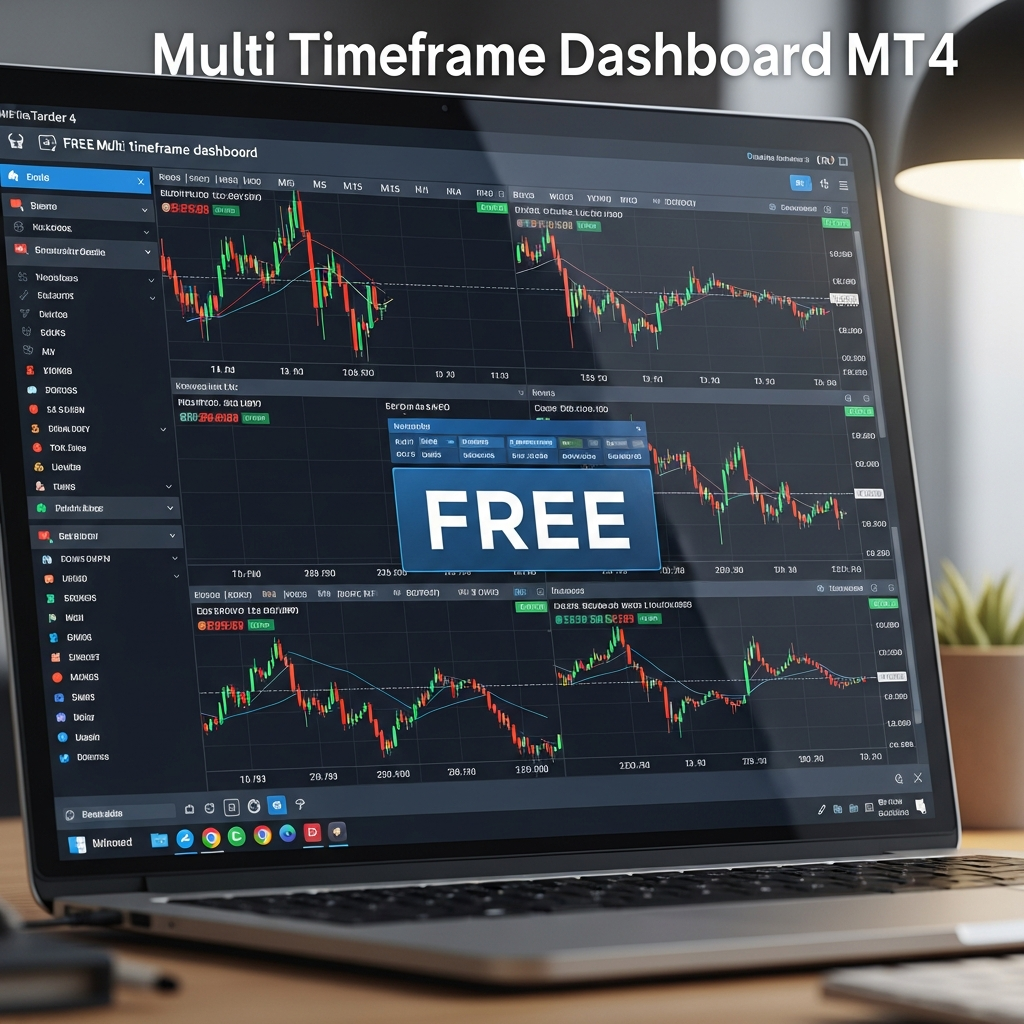
Even as we move further into 2026, MetaTrader 4 (MT4) remains the bedrock of retail forex trading. Despite the emergence of newer platforms and AI-driven trade bots, the core necessity of technical analysis hasn’t changed: understanding the market structure across multiple horizons. This is where a free multi timeframe dashboard for MT4 becomes an indispensable asset for any serious trader.
In the current high-volatility environment, switching manually between an M5 chart for entries and a D1 chart for trend bias is not just tedious—it’s a recipe for missing the ‘big picture.’ Professional traders know that confluence across timeframes is the secret sauce to increasing win rates. A multi timeframe dashboard consolidates this data into a single, sleek interface, allowing you to see the pulse of the market at a glance.
Why You Need an MTF Dashboard in Today’s Market
The primary hurdle for most traders is ‘analysis paralysis.’ When you have 28 currency pairs and 9 standard timeframes, that’s 252 different charts to monitor. Without a centralized dashboard, you are likely to suffer from information overload or, worse, enter a trade on a lower timeframe that is directly contradicting a massive institutional move on a higher timeframe.
A high-quality dashboard solves several problems simultaneously:
- Instant Trend Confirmation: See if the M15, H1, and H4 are all aligned in a bullish or bearish direction.
- Efficiency: Reduce the time spent flipping through tabs by 90%.
- Visual Clarity: Use color-coded signals (Green for Buy, Red for Sell) to identify setups in seconds.
- Psychological Edge: By seeing the ‘consensus’ of the market across timeframes, you can enter trades with significantly more confidence.
Key Features of the Best Free MT4 Dashboards
Not all free indicators are created equal. When searching for the best free multi timeframe dashboard for MT4 in 2026, look for these non-negotiable features:
1. Customizability of Indicators
A good dashboard shouldn’t just show price movement. It should allow you to integrate standard indicators like the Relative Strength Index (RSI), Stochastic, or Moving Averages. For instance, a dashboard that highlights when the RSI is overbought across the H1, H4, and Daily charts provides a powerful reversal signal that a single chart might obscure.
2. Lightweight Performance
MT4 is a robust platform, but it can be resource-heavy if you load too many complex indicators. The best dashboards are optimized for speed, ensuring that your platform doesn’t freeze during high-impact news events. In 2026, efficiency is as much about software optimization as it is about trading strategy.
3. Multi-Symbol Support
Why limit yourself to one pair? The most effective dashboards allow you to monitor your entire watchlist. Whether you trade EUR/USD, Gold (XAU/USD), or Bitcoin (BTC/USD), having a matrix that shows the status of these assets across all timeframes is a game-changer.
Recommended Types of Free MTF Dashboards
While there are thousands of custom indicators available on the MQL5 market and various forums, they generally fall into three categories:
The Trend Scanner
This is the most popular type. It typically uses Moving Averages (like the 50 SMA and 200 EMA) or the MACD to determine the trend on every timeframe. If all boxes are green, the trend is strongly bullish. This is perfect for trend-following traders who want to ‘buy the dip’ in a sustained uptrend.
The Overbought/Oversold Matrix
Ideal for mean-reversion traders, this dashboard utilizes oscillators. It tracks whether a pair is stretched too far in one direction across multiple periods. If a pair is oversold on the M30, H1, and H4 simultaneously, the probability of a corrective bounce is statistically much higher.
The Price Action/Candlestick Dashboard
For the purists, this dashboard identifies candlestick patterns like Engulfing bars, Pin Bars, or Dojis across timeframes. Instead of looking at 10 charts for a Pin Bar, the dashboard alerts you the moment one forms on any timeframe of your choice.
How to Install and Configure Your MT4 Dashboard
Setting up your dashboard is straightforward, but it requires precision to ensure it functions correctly with 2026 updates of MT4.
- Download the File: Usually, these come in .ex4 or .mq4 formats.
- Open Data Folder: In MT4, go to File > Open Data Folder.
- Navigate to Indicators: Go to MQL4 > Indicators and paste the file there.
- Refresh: Right-click on ‘Indicators’ in your Navigator window and click ‘Refresh.’
- Attach to Chart: Drag the indicator onto a clean chart. It is recommended to use a dark background for better visibility of the dashboard elements.
- Configure Inputs: Access the settings (Ctrl+I) to select which timeframes and symbols you want to monitor.
Strategy: Integrating MTF Dashboards into Your Routine
A dashboard is a tool, not a crystal ball. To truly succeed in 2026, you must integrate it into a cohesive trading plan. Here is a sample workflow:
Step 1: The Daily Filter. Look at your dashboard at the start of the London session. Identify pairs where the H4 and Daily trends are in alignment. These are your ‘priority’ pairs for the day.
Step 2: The Intraday Setup. Once you have your pairs, watch the lower timeframes (M5 or M15) on the dashboard. Wait for them to turn the same color as the higher timeframes. This indicates that the short-term momentum is now aligning with the long-term trend.
Step 3: The Execution. Open the specific chart for that pair to find your exact price action entry (e.g., a break of a recent high or a retest of a support zone). By the time you take the trade, you already know the odds are in your favor because the MTF dashboard has confirmed the ‘stacking’ of orders across the board.
Common Pitfalls to Avoid
Even with the best free multi timeframe dashboard for MT4, traders often make critical mistakes. First is the lag factor. Most dashboards rely on closed candles. If you are looking at a Daily signal, that signal is based on yesterday’s close. Ensure you understand if your dashboard is ‘real-time’ or ‘lagging.’
Second is repainting. Some low-quality free indicators change their past signals to look more accurate than they were. Always test a new dashboard on a demo account for at least a week to ensure the signals remain consistent as price moves.
Conclusion: Streamlining for Success
In 2026, the difference between a profitable trader and one who struggles often comes down to the quality of their workflow. A free multi timeframe dashboard for MT4 is more than just a visual aid; it is a filter that removes the noise of the market and highlights the signals that actually matter. By consolidating your analysis into a single view, you reduce stress, improve timing, and ultimately protect your capital from low-probability trades. Find a dashboard that fits your style, configure it to your favorite indicators, and let technology do the heavy lifting of market scanning for you.